Siri AI daily limits: what's free and what iCloud+ adds
/ Apple is testing daily limits on Siri AI and other cloud AI features in iOS 27.3. Here's what stays free, what counts, and how iCloud+ raises your cap.
by Hozefa Khety
· 8 min read
Apple is putting numbers, or at least multipliers, on how much Siri AI you get each day. The second betas of iOS 27.3, iPadOS 27.3 and macOS 27.3, released on Monday, November 16, 2026, test daily usage limits for Siri AI and other Apple Intelligence features that run on Apple's servers. Everyday Siri commands stay free and unlimited. Heavier requests get a free daily allowance on each device, and paying for a bigger iCloud+ plan raises it, by up to 20 times on the top 12TB tier.
Apple has not said how many requests the free allowance covers. Here is what counts against the limit, what each iCloud+ plan adds, when the limit resets and where the paid boost is not offered. (Details checked 03:10 IST, November 17, 2026, against Apple's support page, MacRumors, 9to5Mac, AppleInsider and The Verge.)
What are the new Siri AI limits?
According to Apple's support page, published on November 16, Siri AI and Apple Intelligence are free on supported devices set to a supported language, starting with Apple's 2027 software releases. Some features rely on what Apple calls powerful server models, and those have daily limits. Starting with the 27.3 release, you can raise those limits with an eligible iCloud+ plan.
Apple says each device has its own daily limit for each feature category. Limits can vary by feature, how complex the request is, how busy Apple's servers are and other factors. Apple calls the free Siri AI allowance a "generous daily usage limit" but gives no number, and MacRumors, 9to5Mac and AppleInsider all note that the exact free amount is not disclosed.
Which features count toward the daily limit?
Apple lists four categories that are limited, and says the list is not complete:
1. Siri AI: the more advanced requests that use your personal information and take several steps.
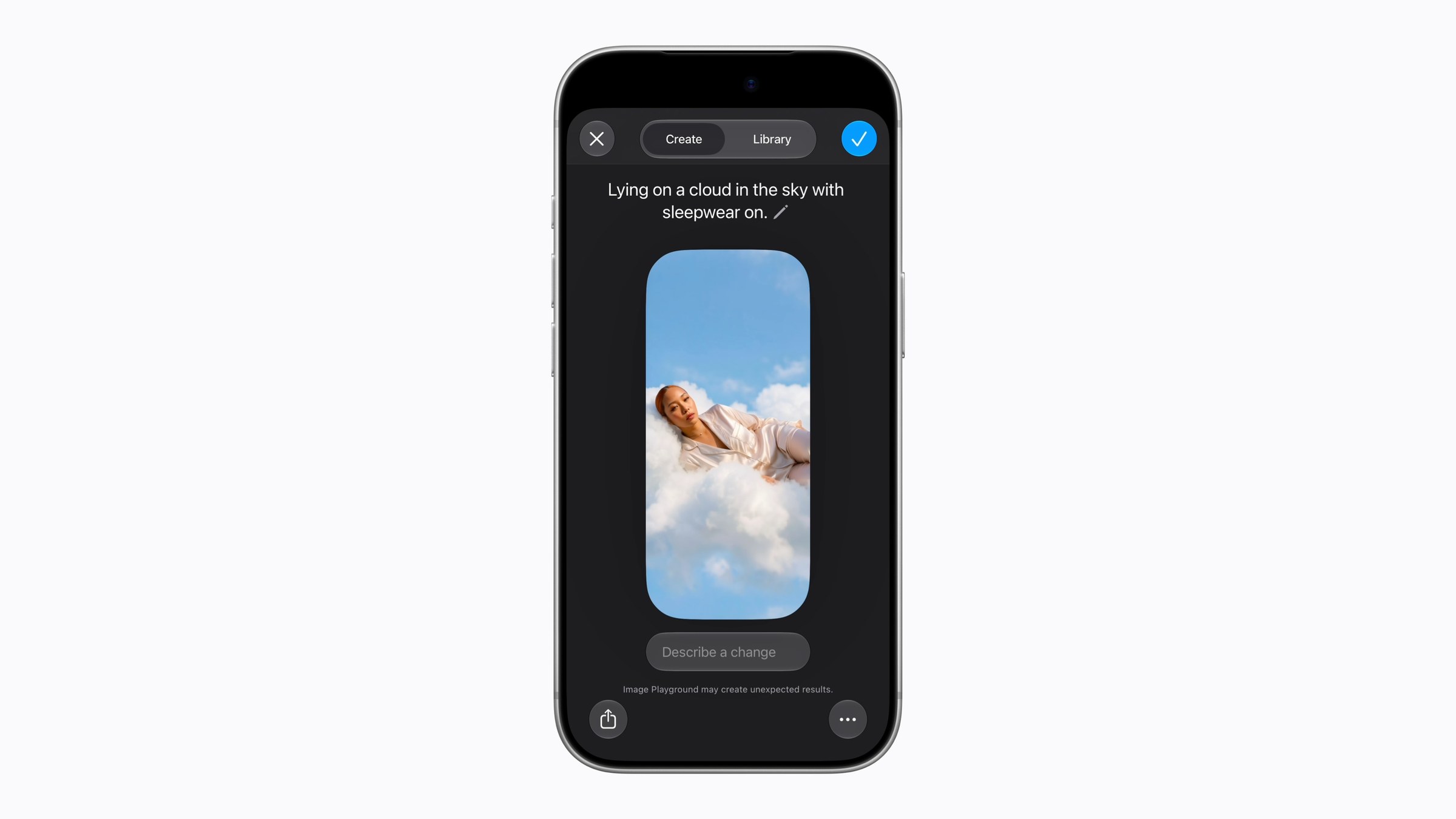
2. Images: the AI photo editing tools Clean Up, Extend and Spatial Reframing in Photos, plus the Image Playground image generator.
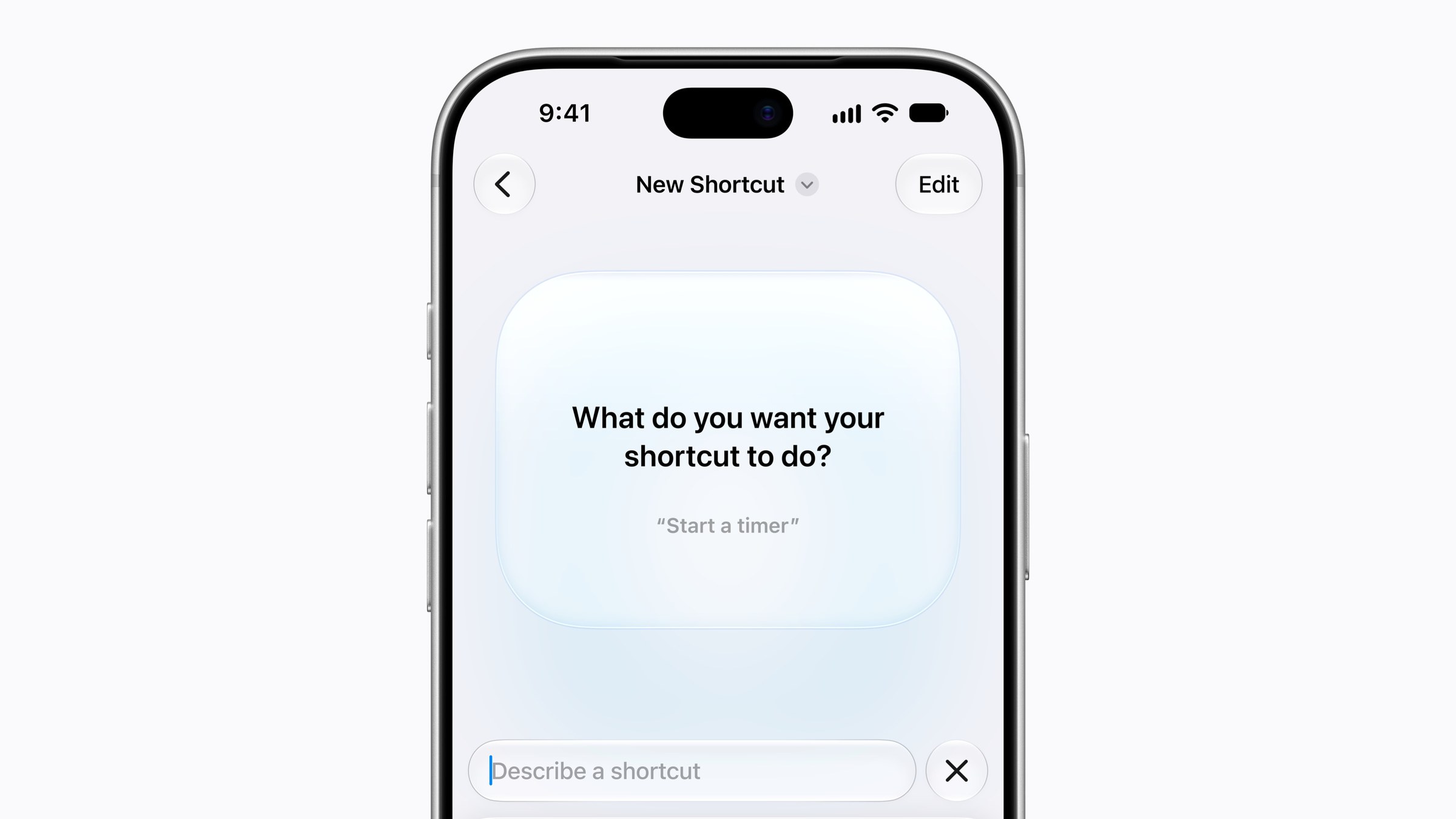
3. Workflows and automation: Shortcuts that use Apple's cloud AI models, which Apple calls AFM Cloud and AFM Cloud Pro.
4. Third-party apps that use Apple's own AI models running on its Private Cloud Compute servers.

What stays free with no limit?
Basic Siri keeps working even after you hit the cap. Apple's examples of everyday requests are "Set a timer for 3 minutes" and "Text Mark that Annika's party is at 123 Main Street." Single, simple commands like these do not count.
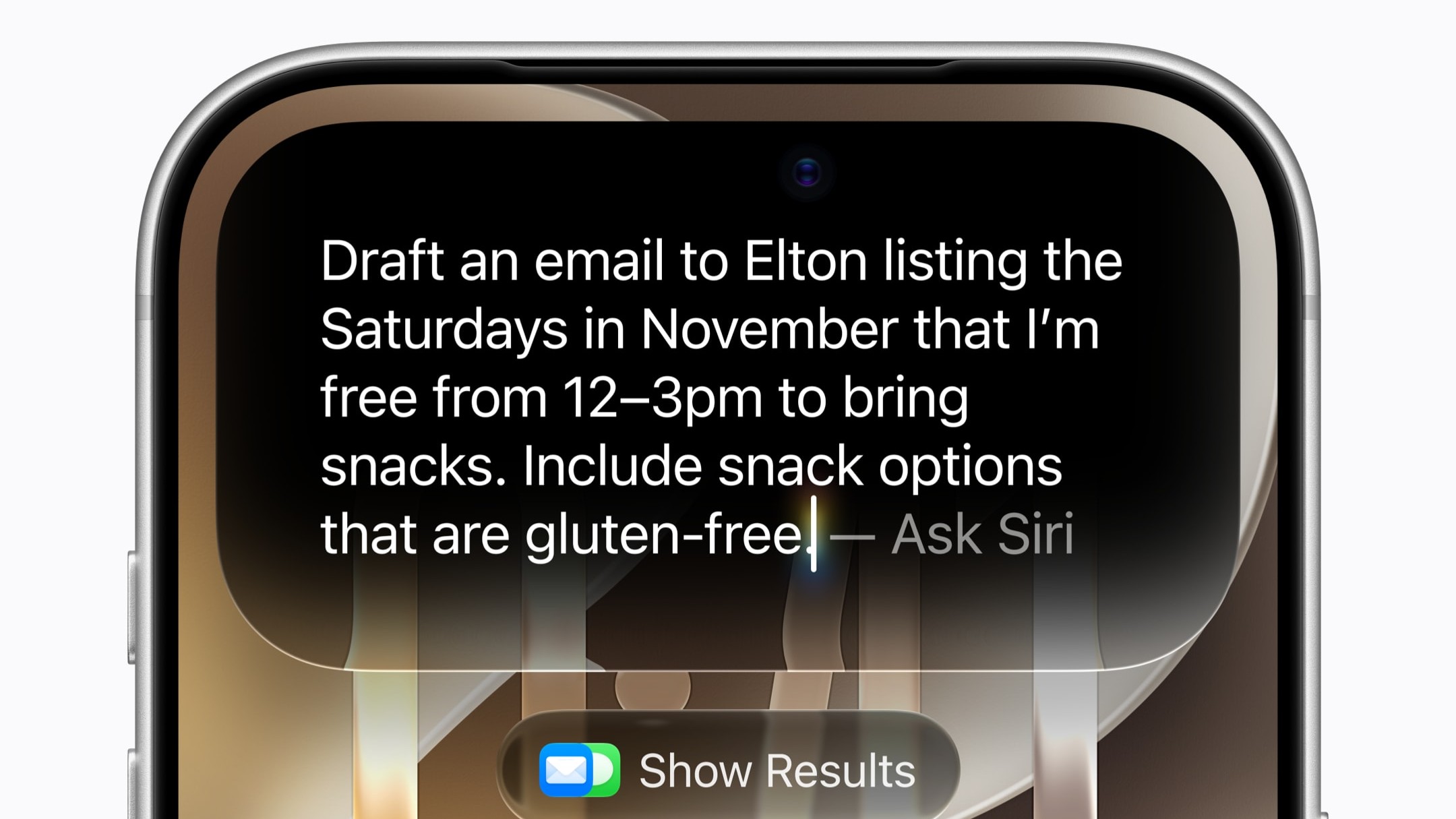
What counts are the multi-step requests that pull from your own data. Apple's examples are "Text Mark the address for Annika's party, and tell him what time we need to leave from home to make it on time" and "Add a summary of my San Francisco trip note to this email draft." 9to5Mac gives a similar one: asking Siri to find a dinner reservation in your email and add it to your calendar. Once you hit the limit, Apple says those advanced requests pause until the limit resets or you upgrade.
How much more do iCloud+ plans give you?
Apple is not changing iCloud+ prices. Instead, most plans now include extra AI use on top of the free allowance. The cheapest plan adds nothing. Here are the US monthly prices, as listed by 9to5Mac and MacRumors, with Apple's multipliers:
Free (no iCloud+): the standard device limit.
iCloud+ 50GB, $0.99 a month: the standard device limit, no increase.
iCloud+ 200GB, $2.99 a month: up to 2x the standard limit.
iCloud+ 2TB, $9.99 a month: up to 5x.
iCloud+ 6TB, $29.99 a month: up to 10x.
iCloud+ 12TB, $59.99 a month: up to 20x.
Prices differ by country. MacRumors reports that Apple does not plan to offer more usage beyond the 12TB plan for now.
Apple's table has one more line. The more powerful AFM Cloud Pro model in Shortcuts is not available at all on the free tier or the 50GB plan. The 200GB plan unlocks access to it, and the 2TB, 6TB and 12TB plans give up to 5x, 10x and 20x access.
Some Home app AI features, such as summaries of security camera video, are also tied to plans, by number of cameras: up to one camera on 2TB, two on 6TB and five on 12TB, according to Apple.
How does the limit work across devices and family members?
The free allowance is per device, not per account, so an iPhone, an iPad and a Mac each get their own. AppleInsider points out the obvious consequence: hit the limit on your iPhone and your iPad still has its own allowance.
The iCloud+ extra works differently. Apple says each device uses its own free allowance first. After that, it draws on the iCloud+ extra, which is one shared pool across every device signed in to your Apple Account and every family member on your plan, used first come, first served. In a busy Family Sharing group, one heavy Siri user can use up most of it.
When does the Siri AI limit reset?
Apple says all categories reset once a day at the same time, and unused requests do not roll over. The reset is around midnight in your current time zone, with three exceptions:
If you are traveling abroad, it resets around midnight in the central time zone of your Apple Account's country or region.
If you share an iCloud+ plan through Family Sharing, it follows the time zone of the person who bought the plan.
If you are not signed in to an Apple Account on the device, it resets about 24 hours after you first used that feature category.
What happens when you hit the limit?
You get a notice. 9to5Mac says an alert appears inside the feature you are using as you get close, for example in Image Playground, and AppleInsider reports the warning comes at around 80% of the limit. When you reach it, you can wait for the reset or upgrade your iCloud+ plan.
AppleInsider notes that the upgrade is not a one-day top-up. It moves you to a higher iCloud+ tier, and you stay there until you change your plan back. Apple has not announced a separate pay-as-you-go option for Siri. Apple does sell one elsewhere: The Verge reports that Logic Pro gained a "Buy More Usage" option last week, with $49.99 Intelligence Usage Packs expected to come to other Apple Creator Studio apps this month.
Where is the iCloud+ boost not available?
This matters for a global audience. Apple's support page says the increased access for Apple Intelligence features through iCloud+ is not available in China, Brazil, the European Union, the UK or South Korea. Increased access for Siri AI is not available in Brazil, the EU, the UK or South Korea. Apple Intelligence and Siri AI themselves may also not be offered in every country.
Apple also says the standard amount of free access, the camera counts and other plan features may change over time.
When will iOS 27.3 come out?
Apple has not given a date. The first iOS 27.3 developer beta arrived on November 3 and the first public beta on November 5, per 9to5Mac, and beta 2 followed on November 16. MacRumors says iOS 27.3 will come out in December, and 9to5Mac expects it in the first half of December, based on Apple's usual timing for its December updates.
Because this is still a beta, the details could change before release. MacRumors expects Apple to use the testing period to fine-tune the limits so people do not hit them too quickly.
iOS 27.3 also brings more Siri AI actions inside Apple's apps, Vertical Tabs and an Adaptive Dark Mode in Safari, the redesigned Health app and Reachability for the iPhone Duo, according to MacRumors and 9to5Mac.
Is this how other AI assistants work?
Broadly, yes. Daily or weekly caps on the most expensive AI requests, with higher paid tiers that raise them, are common across AI services. Apple's twist is that it ties the extra use to cloud storage plans many iPhone owners already pay for, instead of a separate AI subscription.
Should you upgrade your iCloud+ plan?
Not yet, for most people. The limits are in testing, Apple has not said how big the free allowance is, and the free amount resets every night on each of your devices. If you already pay for 200GB or more, you will get extra Siri AI use at no added cost when iOS 27.3 ships.
If you use Image Playground, photo Clean Up or multi-step Siri requests heavily every day, wait for the public release and see whether you actually hit the cap before paying for a bigger plan. On a 50GB plan, note that moving up to 200GB is the cheapest way to get any extra use, at $2.99 a month in the US.
See more of The Threshold on Google
Add us as a preferred source to see more of our stories in your Top Stories.
Frequently asked questions
Is Siri AI going to cost money?
No, not for basic use. Apple says Siri AI and Apple Intelligence are free on supported devices, with a daily limit on advanced requests that use its servers. Paying for an iCloud+ plan of 200GB or more raises that limit.
How many Siri AI requests do you get for free each day?
Apple has not said. It calls the free Siri AI allowance generous, and says limits vary by feature, request complexity and server demand. Each device gets its own allowance for each feature category.
Will basic Siri commands stop working when I hit the limit?
No. Simple requests like setting a timer or sending a short text keep working. Only advanced, multi-step requests that use your personal information pause until the limit resets or you upgrade.
How much extra Siri AI does iCloud+ give?
Up to 2x the standard limit on 200GB ($2.99 a month in the US), 5x on 2TB ($9.99), 10x on 6TB ($29.99) and 20x on 12TB ($59.99). The 50GB plan adds nothing. The extra is shared across your devices and family members on the plan.
Which Apple Intelligence features have daily limits?
Apple lists Siri AI, the Clean Up, Extend and Spatial Reframing photo tools, Image Playground, Shortcuts that use its cloud AI models, and third-party apps that use Apple's models on Private Cloud Compute.
When does the Siri AI daily limit reset?
Around midnight in your current time zone, and unused requests do not roll over. When traveling abroad, it follows your Apple Account's country. In Family Sharing, it follows the plan owner's time zone.
Is the iCloud+ Siri AI boost available everywhere?
No. Apple says increased Siri AI access with iCloud+ is not available in Brazil, the EU, the UK or South Korea, and the Apple Intelligence boost is also unavailable in China.
When will iOS 27.3 with these limits be released?
Apple has not announced a date. Beta 2 arrived on November 16, 2026, and MacRumors and 9to5Mac expect the public release in December. Limits could change before then.